How Navys connects to the tools fund teams already use
- Read time:
- 3 minutes
- Published date:
The first question fund teams ask is whether Navys works with the tools they already use. Here is our answer, and the rule behind every integration we build.
“Does Navys work with the tools we already use, or do I still do that part separately?”
It does. Navys connects to the tools fund teams already work in, and there is one rule behind every integration we build: it has to take a manual step away. Copying an email into a tracker, uploading a document the firm already holds, checking that two systems agree. If an integration does not remove a step like these, we do not build it. And every one keeps the permissions the fund has set in Navys, so connecting a tool never gives anyone access to records they could not already see.
Each system the work passes through adds a reconciliation
Fund work passes through many systems: the administrator’s platform, the firm’s document system, email, the signature tool and spreadsheets. Each time the same fact is held in two places, someone must check that the two agree, and work out which is right when they do not. An integration is worth building when it removes that check. One that copies data into yet another place adds a check of its own. Those checks add up, as our analysis of the time and cost of an LP transfer shows.
An example: signing with Docusign
Signing is a good example of a step that used to sit on the side. A transfer agreement was drafted in one place, exported, sent out for signature in another tool, chased by email, and the signed copy then had to be saved back with the right record, manually.
That is why we partnered with Docusign and built signing into Navys. Today the agreement is sent for signature from the transfer itself, the parties sign through Docusign, and the signed version is saved with the record automatically. No export, no second tool to check, and one less place where the documents can disagree.
What connects to Navys today
Email comes first, because that is where most fund work starts. Fund teams forward or copy emails to Sam, and Sam updates the records on the platform. Documents are signed inside Navys through Docusign. A person can also work with Navys from Claude, using the same actions as Sam and exactly the permissions they have in Navys. And in Microsoft Teams and SharePoint, Sam works with the channels, messages, meetings and files a team gives it access to.
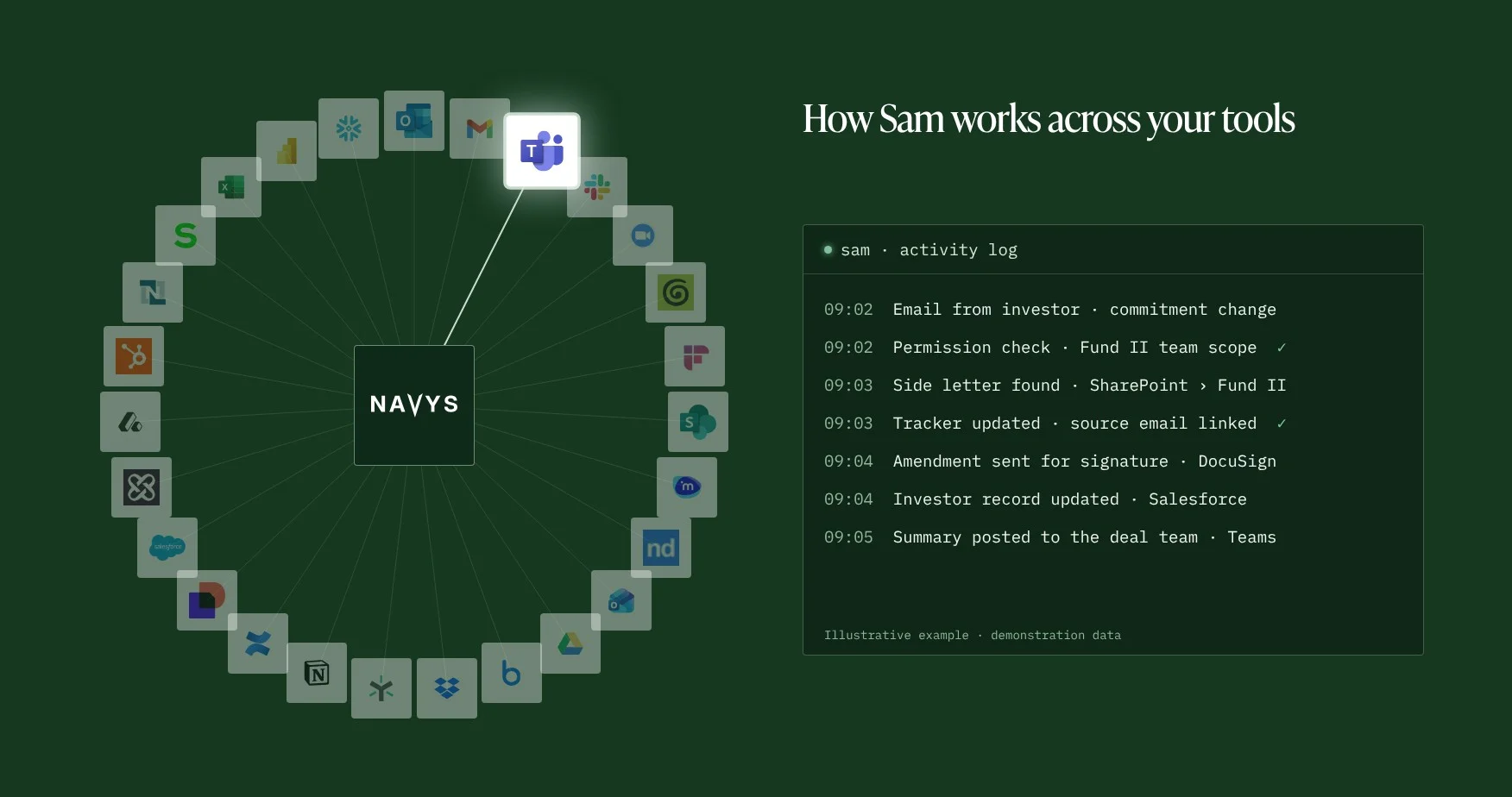
For a fund’s team, the result is simple: fewer checks between systems, the work in one place, and every answer showing where it came from.
The firm switches each service on, and the team chooses what Sam can use
A firm’s administrators switch each service on for the firm. In Teams and SharePoint, the team then chooses the channels, meetings and folders Sam may use. Switching a service on never connects anyone’s private account or shows private information to colleagues.
The rules every integration follows
Whatever is connected, Sam respects both the access a person has in the connected tool and that person’s permissions in Navys, so access to a source never grants more access within Navys. Each answer shows where its information came from, which account supplied it and how current it is. When a person removes access to a source, Sam stops using it. Users outside the firm can always keep working by email: an investor, a buyer or their counsel does not need an account for Sam to record what they send.
These rules follow the same thinking as our note on the FCA’s AI findings: a firm that delegates work to AI keeps control of what it can see and do.